7. Generating Color Picker
One thing about the color from the reference color picker that we can tell, is that they usually start from around 0 and ends with around 0. Then, it is some curves that controlling the main theme color.
In order to do that, we would like to use Brezier curve to generate the curve for each RGB value. Since we are only generating a one to one function, we just want 1d data from the curve. Therefore, we won't exactly using Brezier curve to generate the curve. Instead, we will generate two path, from 0 to 2, from 2 to 4 to make sure that the curve passes the midpoint.
The mid point will be a user defined color for what they think the main theme should be, and the 2nd and 4th point will be controlling how dark or how bright the image is. The algorithm is something like this:
P1 = 0
P2 = user_color * darkness
P3 = user_color
P4 = user_color * lightness + 255 * (1 - lightness)
P5 = 255
P1 and P5 can add some randomness to simulate the color picker reference that they don't usually start and end exactly at 0 and 255. However, the idea is here. For lightness and darkness, the value should be between 0 to 1. The lower the value is, the darker/brighter the picker will be.
Then, we just have to plug in the algorithm into the program as below
if (t > 0.5f)
{
t = (t - 0.5f) * 2;
output = (1 - t) * ((1 - t) * rx[2] + t * rx[3]) + t * ((1 - t) * rx[3] + t * rx[4]);
}
else
{
t = t * 2;
output = (1 - t) * ((1 - t) * rx[0] + t * rx[1]) + t * ((1 - t) * rx[1] + t * rx[2]);
}
Now, let's take a look at some of the result we generate:
R = 227, G = 64, B = 102


The histogram might seems odd but the color picker doesn't seem bad. Therefore, we would like to keep using this style for the color picker.


The left hand side is one that simply using the color picker value, and right hand side is the one that combine the color with parts of the original image like we mentioned in the earlier chapter. The value of the sigmoid function didn't change at all, to basically show how is the generated color picker will look.
Here is more example
R = 240, G = 181, B = 65


R = 84, G = 68, B = 227


R = 106, G = 242, B = 68


R = 73, G = 227, B = 227


More Example with the same color pickers

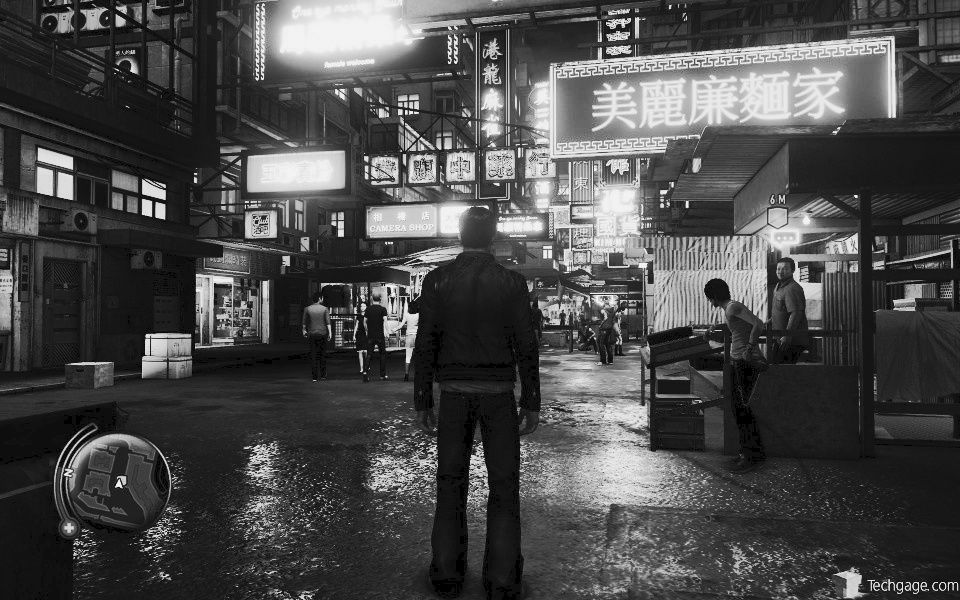


And more:


image credit:


Comments